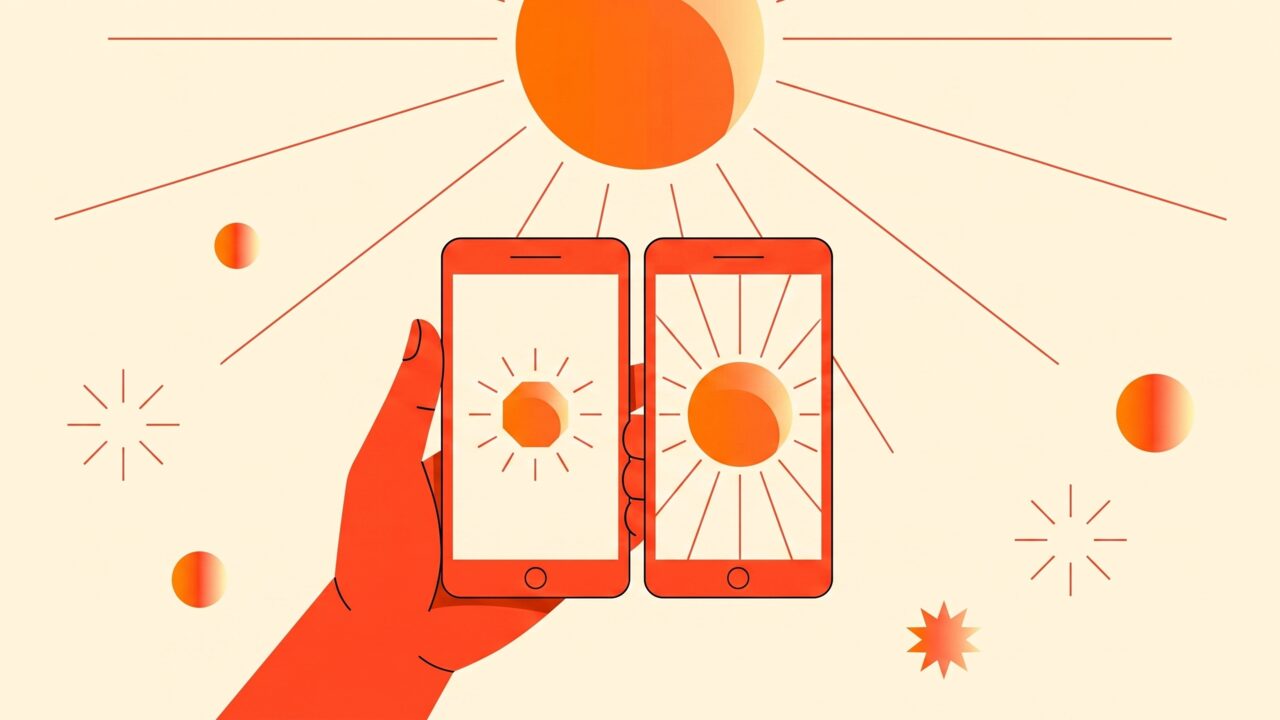
Weather apps disagree on UV index because they pull from different data sources, calculate it at different times of day, and handle clouds differently. One app might show a forecast model's clear-sky estimate for noon, while another shows a satellite-derived, cloud-adjusted reading for right now — same location, genuinely different numbers, both defensible.
Not all UV data comes from the same place
There are three broad ways an app can get its UV index number, and they don't always agree:
- Point forecast models. These calculate UV based on the sun's angle, ozone levels and typical atmospheric conditions for your exact latitude and longitude, often projected hours or a full day ahead. They're good at capturing the theoretical maximum UV for a clear day but can miss what's actually happening in the sky above you right now.
- Satellite data. Weather satellites measure cloud cover, ozone and atmospheric conditions from space and feed that into a UV calculation that updates as conditions change. This tends to track real-world cloud cover better but can lag behind fast-moving weather by an hour or more depending on satellite pass timing.
- Ground station data. Some networks use physical UV sensors at weather stations, which measure actual UV hitting the ground at that station. This is the most direct measurement, but stations are sparse — the nearest one to you could be tens of miles away, measuring different local cloud conditions than what's overhead where you are.
Two apps drawing from two of these three sources, for the same coordinates and same hour, can reasonably land on different numbers because they're not really measuring the same thing.
Hourly interpolation adds another layer of disagreement
Most UV models compute a small number of key data points across the day and interpolate the hours between them. How an app rounds or smooths between those points changes what number you see. One app might show you the average UV expected across the whole current hour; another might show the instantaneous value calculated for the exact minute. Around sunrise, sunset and midday peak, these methods can diverge more noticeably, since UV changes fastest at those times.
Clear-sky vs. cloud-adjusted UV
This is probably the single biggest source of the "my app says 5, another says 8" gap. Clear-sky UV is the index calculated as if there were zero clouds — a ceiling value based purely on sun angle and ozone. Cloud-adjusted UV factors in actual or forecast cloud cover to bring that ceiling down, since clouds absorb and scatter a meaningful amount of UV.
The catch: cloud cover is genuinely hard to forecast precisely, and different apps make different calls about how much to trust a cloud forecast versus falling back toward the clear-sky number. An app that leans on clear-sky values during uncertain cloud forecasts will read higher than one that aggressively discounts for expected cloud. Neither is wrong exactly — they're making different judgment calls about the same uncertain input. It's also worth remembering that thin or broken cloud can still let through most UV even when it looks overcast, which is part of why tanning on a cloudy day is more possible than people expect.
Peak UV vs. current UV
Some apps default to showing today's peak UV index — the single highest value expected, usually around solar noon — regardless of what time you're actually checking. Others show the UV index for the current moment, which will naturally be lower in the morning or evening and only match the peak number around midday. If you check one app at 9am and it's still showing "today's high of 8," while another shows "right now: 3," you're not looking at contradictory data, you're looking at two different questions being answered.
How to sanity-check conflicting numbers
A few habits make disagreeing apps less confusing rather than more:
- Check whether the number is labeled as current or as today's peak. Most of the apparent disagreement disappears once you know which question each app is answering.
- Look at the actual sky, not just the app. If it's overcast and an app is showing a clear-sky-derived high number, treat the real conditions as the better guide for your session right now.
- Favor apps that show an hourly breakdown rather than a single daily number — hourly data forces the app to commit to a specific moment rather than blending forecast and current data into one ambiguous figure.
- Use UV index as a guide for timing, not a promise. Even a "correct" UV reading is still a model estimate, not a direct measurement of the UV actually landing on your specific patch of skin, which depends on shade, reflection and your immediate surroundings too.
Our own guide to understanding the UV index covers what the numbers mean for tanning risk once you've settled on a source you trust. A UV tracking app like TanAI aims to reduce this confusion by using current, location-specific readings rather than a generic daily forecast, which is the main reason apps disagree in the first place.
Frequently asked questions
Which UV data source is most accurate?
Ground station data is the most direct measurement, but it's only accurate for locations near an actual sensor. For most people, a well-calibrated satellite-based, cloud-adjusted model checked at the current hour is the most practical balance of accuracy and coverage.
Why does my app show a different UV number in the morning versus what it predicted the night before?
Forecast models get updated as new data comes in, especially cloud cover forecasts, which are among the hardest inputs to predict accurately more than a few hours ahead. A number from last night's forecast and this morning's updated forecast can legitimately differ.
Should I trust the UV number if it's cloudy outside but my app still shows a high reading?
Treat the sky in front of you as the better signal in the moment. Some apps lag on cloud updates or default toward clear-sky estimates when cloud forecasts are uncertain. Thin or broken cloud in particular can still let a lot of UV through, so a high reading during light cloud isn't necessarily wrong either — just check both the number and the sky before deciding how long to stay out.
Does elevation or being near water change which UV number is right?
Yes, and it's a common reason two nearby locations get different readings. UV increases with altitude and reflects more strongly off water and sand, so an app that doesn't account for your specific elevation or surroundings can undercount real exposure even if its base forecast is otherwise accurate.
Bottom line
UV index differences between apps usually come down to different data sources, different handling of clouds, and whether the app is showing a current reading or today's forecast peak — not one app being simply wrong. Check whether a number is labeled current or peak, cross-check against what the sky actually looks like, and treat any UV index as a helpful estimate for timing your session rather than an exact measurement.